

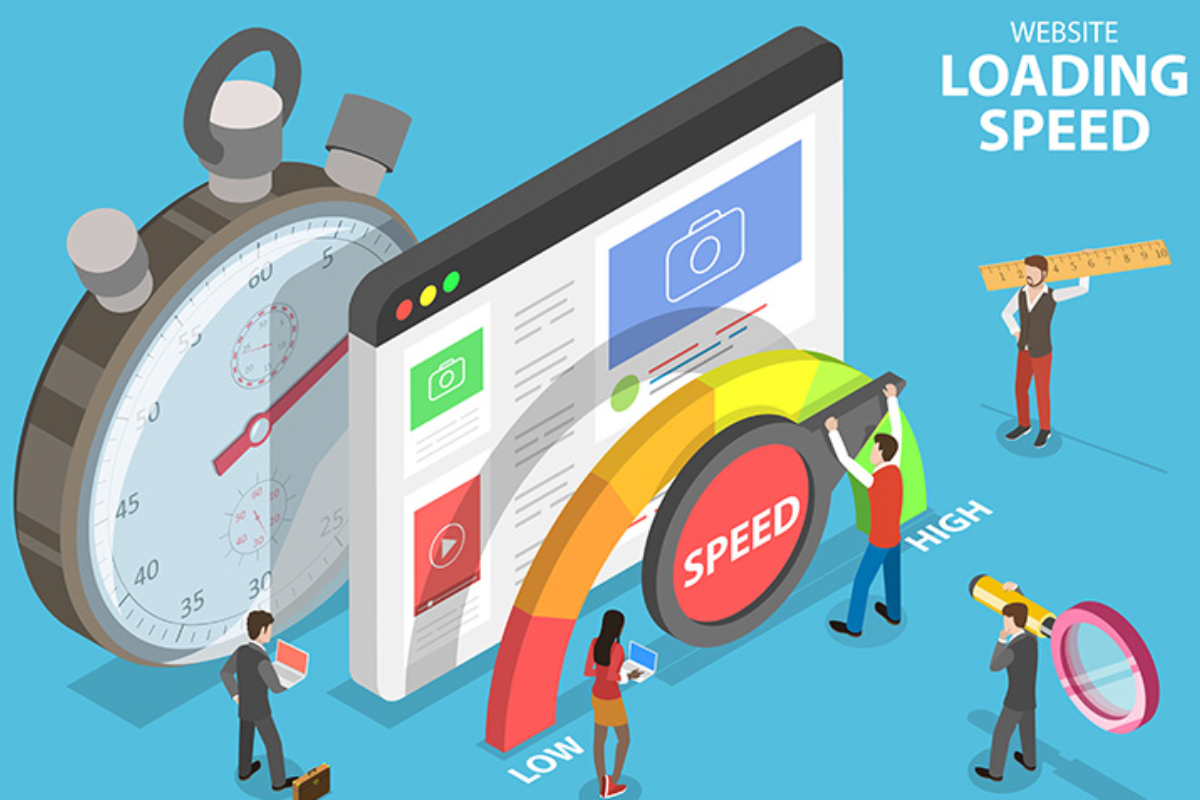
A website’s speed isn’t just a technical metric—it’s a cornerstone of user experience. Slow-loading websites frustrate users, increase bounce rates, and directly impact conversions and SEO rankings. Research shows that 53% of users leave a website that takes more than three seconds to load, making speed optimization crucial for business success.
Website speed affects everything from first impressions to customer retention. Whether you run an e-commerce store, a blog, or a corporate site, optimizing load times can dramatically enhance user satisfaction and engagement. In this blog, we’ll explore the key ways website speed impacts user experience, why it matters for SEO, and best practices to ensure your website performs at its peak.
1. First Impressions Matter
Users form an opinion about your website in milliseconds. A fast-loading site creates trust and professionalism, while a slow site leads to frustration. If pages take too long to load, visitors may leave before even exploring your content, reducing engagement and potential conversions.
2. Bounce Rate and User Retention
Bounce rate refers to visitors leaving your site after viewing just one page. Slow websites have higher bounce rates because users expect instant access to information. Even a one-second delay can reduce customer satisfaction by 16%, highlighting the critical connection between speed and retention.
3. Conversion Rates
Website speed directly influences conversion rates. E-commerce websites, for example, lose significant sales when pages load slowly. Faster websites lead to higher cart completions, sign-ups, and downloads, as users are less likely to abandon their actions due to lag.
4. SEO and Website Ranking
Google has made it clear: page speed is a ranking factor. Websites that load faster are favored in search engine results pages (SERPs). Optimized website speed improves crawling, indexing, and overall visibility, leading to more organic traffic and better SEO performance.
5. Mobile Users and Speed
With the majority of users accessing websites via smartphones, mobile speed optimization is essential. Mobile users often deal with slower network connections, making fast-loading pages a critical factor for retention. Mobile-first design and optimization ensure your audience has a smooth browsing experience.
6. Technical Factors Affecting Website Speed
Several technical elements influence load times:
- Hosting Quality: Poor hosting slows down websites.
- Server Location: Distance between server and user increases latency.
- Content Delivery Network (CDN): Reduces load times by serving content from servers closer to users.
- Image Optimization: Large, uncompressed images slow down pages.
- Caching: Reduces server load and speeds up content delivery.
7. Best Practices to Improve Website Speed
- Choose Reliable Hosting: SSD servers and optimized hosting significantly reduce load times.
- Optimize Images: Compress images without losing quality.
- Enable Browser Caching: Allows repeat visitors to load your site faster.
- Use a CDN: Deliver content quickly worldwide.
- Minimize JavaScript & CSS: Remove unnecessary code to improve speed.
- Monitor Regularly: Use tools like Google PageSpeed Insights or GTmetrix to track performance.
Summary Table: How Web Hosting Impacts SEO & User Experience
| Factor | Role in User Experience & SEO | Hosting Impact | Best Practice | Pricing (Approx.) |
|---|---|---|---|---|
| Website Speed (Loading Time) | Fast websites = better engagement & SEO | Slow hosting = high bounce rate, poor rankings | Choose SSD servers, optimized hosting | $5–$50/month |
| Uptime & Reliability | Frequent downtime frustrates users | Low-quality hosting leads to indexing issues | Ensure 99.9% uptime guarantee | $10–$60/month |
| Server Location | Affects load time and local SEO | Distant servers = slower response time | Pick hosting near target audience | $5–$40/month |
| Security (SSL, HTTPS) | HTTPS ensures trust & safety | Weak hosting = higher vulnerability | Use hosting with free SSL & firewalls | $0–$20/month |
| Scalability | Handles traffic spikes smoothly | Non-scalable hosting = site down during high traffic | Cloud/VPS hosting for growth | $20–$100/month |
| Technical SEO Support | Helps crawlability & indexing | Poor servers may block bots or cause errors | Select SEO-friendly hosting with cPanel | $10–$50/month |
| Customer Support | Quick fixes = better UX | Slow support delays problem resolution | 24/7 live support hosting | $10–$50/month |
| CDN & Caching Options | Faster delivery & reduced latency | No CDN = slow global performance | Choose hosting with CDN integration | $5–$30/month |
| Email & Domain Integration | Boosts brand trust | Limited hosting = less professional | Hosting with email/domain bundles | $5–$20/month |
| Cost vs Performance | Balance budget and speed for best results | Cheap hosting often sacrifices speed/security | Choose affordable but optimized hosting | $3–$50/month |
8. Conclusion
Website speed is no longer optional—it is a critical factor that affects user experience, engagement, SEO, and conversions. Investing in fast, reliable hosting, optimizing content, and implementing modern web technologies ensures that your website remains competitive in today’s digital landscape.
A fast website is a happy website, and a happy website attracts more users, retains them longer, and boosts your brand reputation.
